Print a character sheet or save it as a PDF
Borealis writes your character to a PDF: ability scores, skills, attacks, features, spell pages and, if you want them, cards. Print it, or keep it as a file to fill in on a tablet.
Save the sheet
-
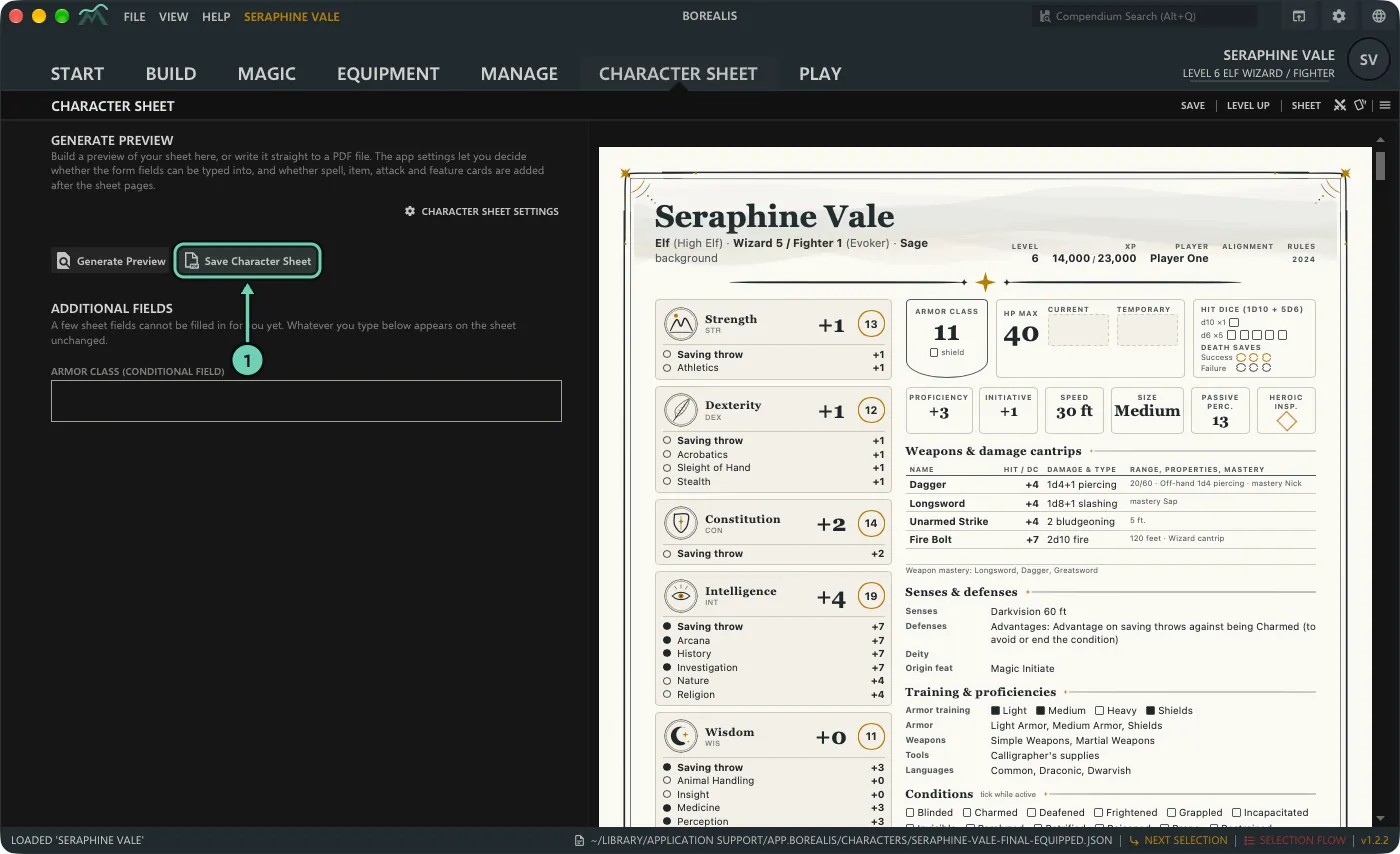
Open the character and choose the Character Sheet tab (or Sheet at the top right). A preview of the pages appears on the right; it updates by itself unless you turn that off in View > Borealis Settings > General. Then click Save Character Sheet and choose where to save the PDF. File > Save Character Sheet (PDF) does the same from anywhere.
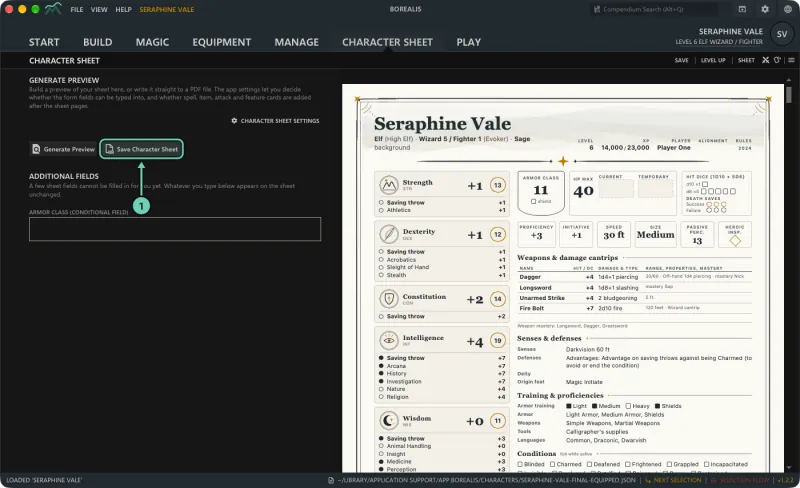
-
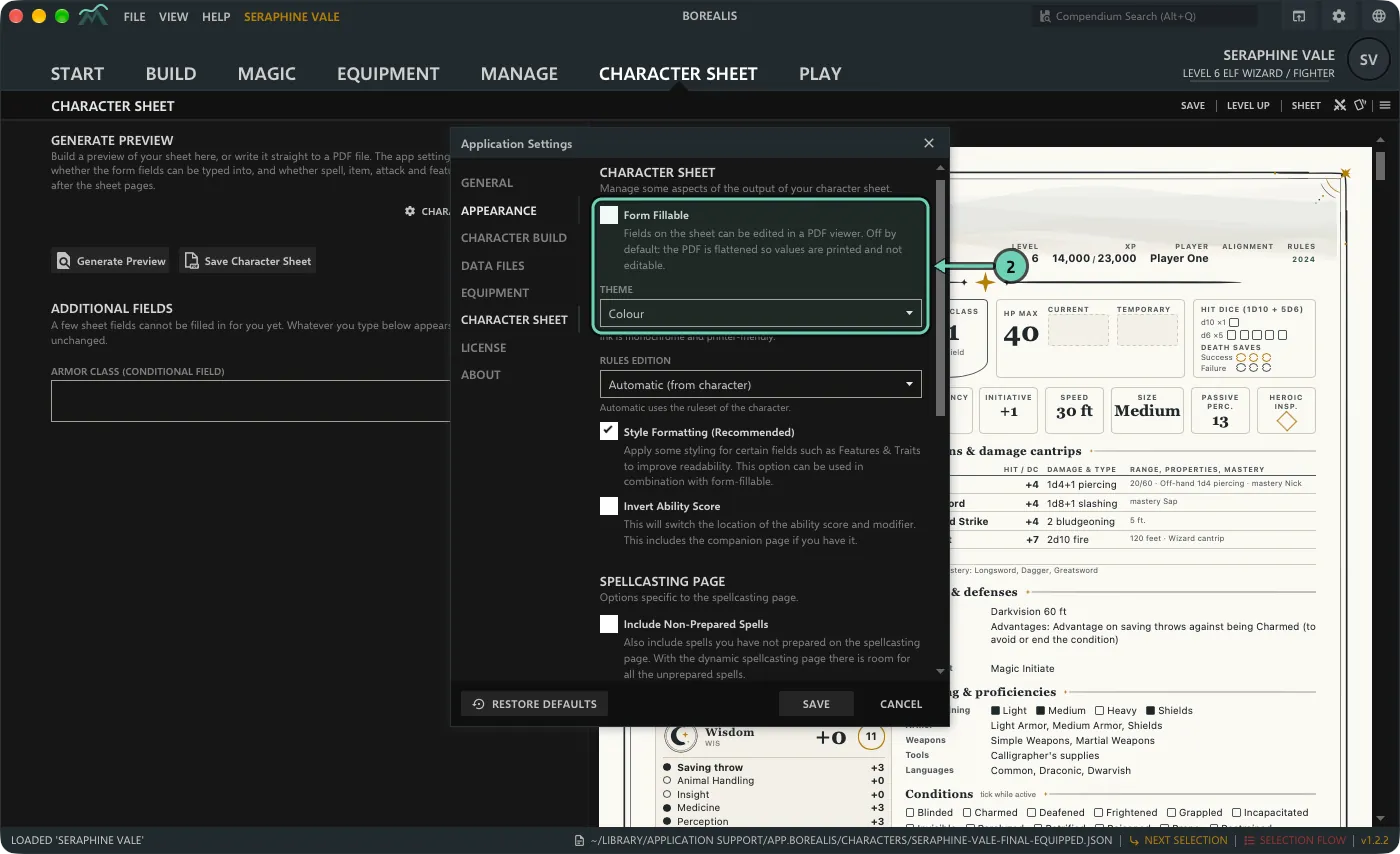
To change what goes into the PDF, click Character sheet settings above the buttons. The settings that matter most are Form Fillable (off: the PDF is flattened, so values print exactly as shown; on: fields can be edited in a PDF viewer) and Theme: Colour, or Ink, which is monochrome and printer-friendly. Click Save, then save the sheet again.
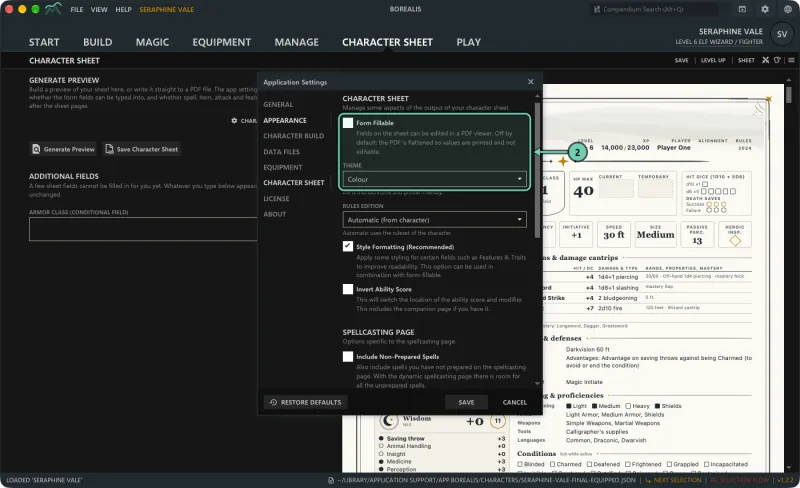
- Open the PDF in any PDF viewer and print it.
Other sheet settings
- Rules edition: Automatic (from character), or force the 2014 or 2024 layout.
- Style Formatting (Recommended) and Invert Ability Score (swaps where the score and the modifier sit).
- Include Non-Prepared Spells on the spellcasting page.
- Generated cards: Spell cards, Item cards, Attack Cards and Feature Cards, each optionally starting on a new page.
- Legacy Spellcasting Page for the older spell page layout.
- Paper: Letter or A4 (see Paper size).
The settings are under View > Application Settings > Character sheet too. A few sheet fields cannot be filled in for you yet; type them under Additional fields on the Character Sheet tab and they appear on the sheet as written.
Paper size
Borealis lays the sheet out for Letter or A4. Choose one under Paper in the character sheet settings. Until you choose, Borealis follows your device's region: Letter in the US, Canada, Mexico, the Philippines and other Letter countries, A4 elsewhere. An A4 sheet says "· A4" in its footer. Versions before 1.3.0 make Letter sheets only; to print one on A4, use your print dialog's option to fit or shrink the page to the paper.